Track prices and stock
across any site.
Point the Chrome extension at any element on any page. Pounce checks 24/7 and sends Telegram alerts when things change.
Get StartedHow it works
Two steps to autopilot.
01
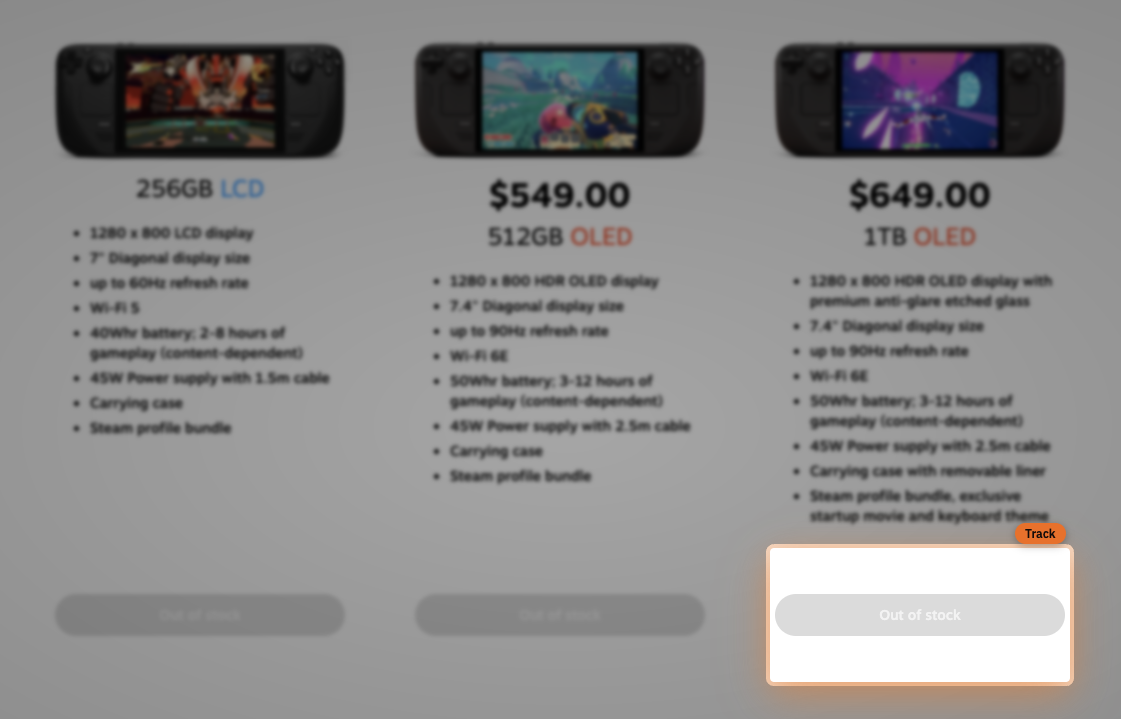
Track any price or button with the Chrome extension
Browse to any product page, click the Pounce extension in your toolbar, and select the price or stock element you want to track. No setup, no configuration — just point and click.

02
Connect Telegram and get alerts
Connect your Telegram account in settings, and Pounce monitors 24/7. The moment a price drops or an item restocks, you get a notification — no need to check manually ever again.
Get started now